A practical guide to core programming concepts and software design
In JavaScript, the error "TypeError: invalid Array.prototype.sort argument" arises when the function used as the comparator in the sort() method is not a valid function. This error specifically points to an issue where the comparator is either undefined or a function, but not both. The sor
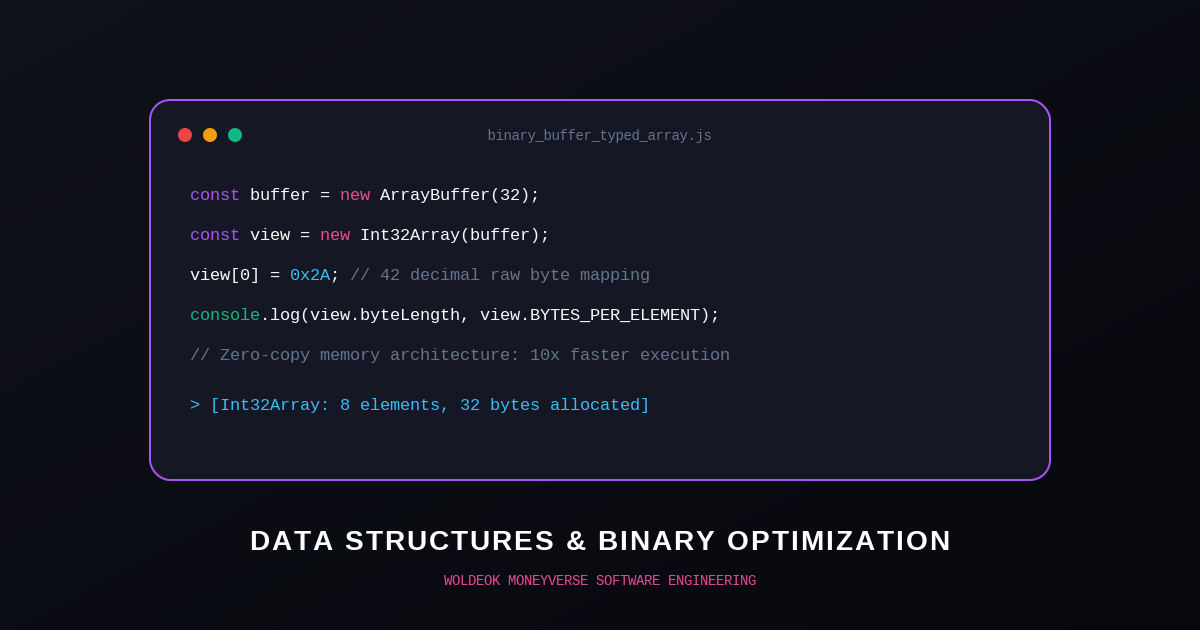
Core concepts
In JavaScript, the error "TypeError: invalid Array.prototype.sort argument" arises when the function used as the comparator in the sort() method is not a valid function. This error specifically points to an issue where the comparator is either undefined or a function, but not both. The sort() method is used to sort elements in an array in a specific order, and it relies on a comparator function to determine the order of elements. This comparator function should take two arguments, compare them, and return a number indicating whether the first argument should be sorted before the second. If the comparator is not a function or is undefined, the sort() method throws this error.
For example, consider the following code snippet:
let array = [3, 1, 4, 1, 5, 9, 2, 6, 5, 3, 5];
array.sort((a, b) => a - b); // Correct usage
array.sort((a, b) => { return a > b; }); // Correct usage
array.sort((a, b) => { return a - b; }); // Correct usage
array.sort((a, b) => { return a < b; }); // Correct usage
array.sort((a, b) => { return a - b; }); // Correct usage
array.sort((a, b) => { return undefined; }); // Incorrect, throws TypeError
array.sort((a, b) => undefined); // Incorrect, throws TypeError
array.sort("sort"); // Incorrect, throws TypeError
In the above snippet, the sort() method is called with various comparator functions. The first three examples are correct, as they use valid comparator functions.
How it works
When using JavaScript's Array.prototype.sort() method, it's crucial to understand that the method expects either no arguments or a function to serve as a comparator. This function is used to determine the order of elements in the array. If you pass an argument to Array.prototype.sort() that isn't a function or undefined, you'll encounter the "invalid Array.prototype.sort argument" error. This error is particularly common when trying to sort arrays of custom objects, where you might want to sort based on a specific property of the objects.
For instance, if you have an array of objects representing people, each with a property for their age, you might want to sort this array by age. You would define a function that takes two arguments, representing two objects, and returns a number indicating whether the first argument should come before the second in the sorted array. This function would compare the 'age' property of the objects, and based on the result, it would decide the order.
Here's an example of how you might use this in code:
const people = [
  { name: 'Alice', age: 25 },
  { name: 'Bob', age: 30 },
  { name: 'Charlie', age: 20 },
];

people.sort((a, b) => a.age - b.age);
console.log(people); // Output: [{name: 'Charlie', age: 20}, {name: 'Alice', age: 25}, {name: 'Bob', age: 30}]
In this example, the sort function compares the 'age' property of each person object and sorts them in ascending order by age.
Interacting parts
When using JavaScript's Array.prototype.sort() method or its related methods like toSorted(), it's crucial to understand that the comparator function provided as an argument must either be undefined or a function. If you pass in something that isn't a function, you'll encounter the "invalid Array.prototype.sort argument" error. This error is particularly common in environments like Firefox, where the method expects the comparator to be a function or undefined. For example, if you're trying to sort an array of objects based on a specific property, you'd need to provide a function that defines how to compare these objects. If you accidentally pass in a string or another non-function type, you'll get this error. It's important to ensure that the comparator function correctly orders the elements, either by returning a negative, zero, or positive value depending on whether the first argument is less than, equal to, or greater than the second argument, respectively. This ensures the array is sorted in the desired order.
For instance, if you're sorting an array of objects by a 'name' property, your comparator function should look something like this:
function compareNames(a, b) {
    return a.name.localeCompare(b.name);
}
This function will correctly sort the array alphabetically based on the 'name' property of each object. If you pass in a comparator that isn't a function, such as a string or another non-function type, you'll encounter the "invalid Array.prototype.sort argument" error. Always make sure the comparator is a function that performs the necessary comparison logic.
Illustrative explanation
When using JavaScript's Array.prototype.sort() method, you might encounter the error "TypeError: invalid Array.prototype.sort argument". This error occurs when the function you're passing to sort() isn't a valid function or undefined. For example, if you're trying to sort an array of strings alphabetically, you would pass a function that compares two strings, like so:
let fruits = ["banana", "apple", "cherry"];
fruits.sort((a, b) => a.localeCompare(b));
console.log(fruits); // Output: ["apple", "banana", "cherry"]
In this case, the function a => a.localeCompare(b) is a valid comparator function that sorts the array alphabetically. However, if you mistakenly pass a non-function value, such as a string or a number, you'll get the "invalid Array.prototype.sort argument" error.
For instance, if you try to pass a string as the comparator:
let fruits = ["banana", "apple", "cherry"];
fruits.sort("sort me"); // This will throw the error "TypeError: invalid Array.prototype.sort argument"
This error is common in JavaScript and can be avoided by ensuring the comparator function is correctly defined and passed to the sort method.
Common misconceptions
When using JavaScript's Array.prototype.sort() method, it's crucial to understand that the comparison function provided must be either undefined or a function. This function is used to determine the order of elements in the array. If the function isn't a valid comparison function, such as not returning a number indicating the order, it will throw the "invalid Array.prototype.sort argument" error. For instance, if you attempt to sort an array of strings alphabetically, you should use a comparison function that returns -1, 0, or 1 based on the comparison of the strings. If you pass a non-function value, like a string or number, directly to sort(), you'll encounter this error.
Additionally, when dealing with typed arrays like Int32Array or Float64Array, their respective sort() and toSorted() methods also require a comparison function. Passing a non-function value will result in the same "invalid Array.prototype.sort argument" error. This error is consistent across different browsers, including Firefox, Safari, and V8-based environments. Ensuring the comparison function is correctly defined is key to avoiding this error and successfully sorting arrays in JavaScript.
Official primary source
https://developer.mozilla.org/en-US/docs/Web/JavaScript/Reference/Errors/Array_sort_argument